
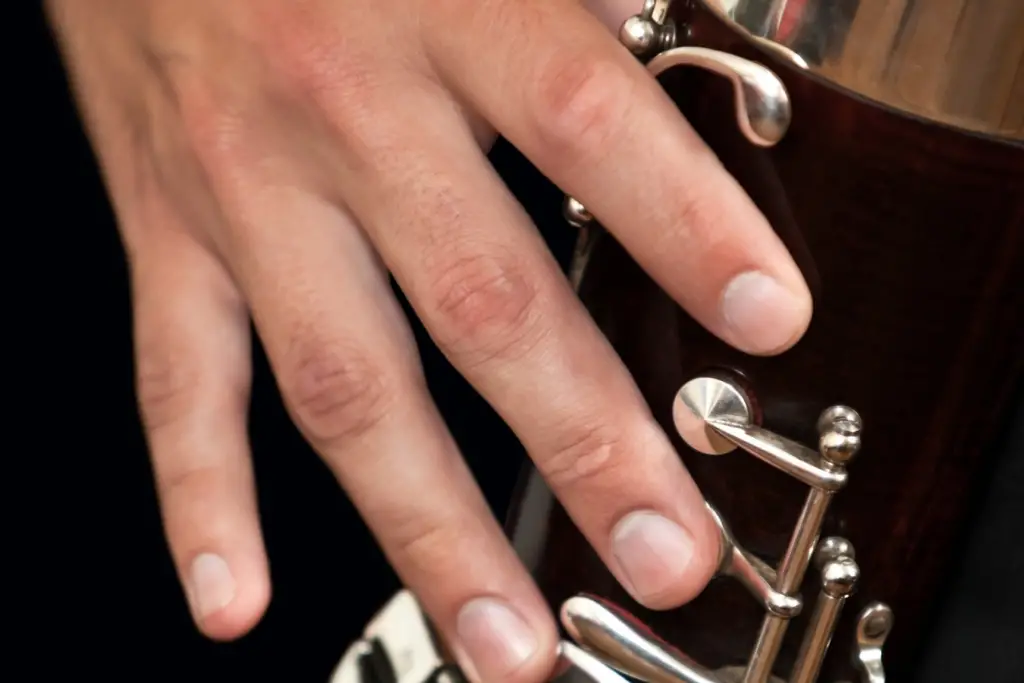
The bassoon is an incredibly versatile instrument capable of producing a wide range of dynamics—meaning the variation in volume of the sound it creates. A crucial skill for any bassoonist is understanding how to control volume, as this ability allows musicians to convey the emotional depth and nuance of music, whether playing softly for delicate passages or powerfully for dramatic moments. Mastering bassoon dynamics involves a combination of breath control, embouchure adjustments, reed management, and finger technique. In this article, we will explore how to control volume on the bassoon, breaking down the key factors that affect dynamics and providing practical tips for improving your control.
What Are Dynamics in Music?
In music, dynamics refer to the variations in loudness or softness of sound. Dynamic markings are used by composers to indicate how loudly or softly a section of music should be played. These markings can range from very soft (pianissimo, pp) to very loud (fortissimo, ff) and everything in between, such as mezzo-piano (moderately soft) and mezzo-forte (moderately loud).
- Dynamic Markings: Indications in music that tell musicians how loud or soft to play.
- Artistic Expression: Dynamics play a vital role in shaping the emotional quality of a musical performance.
The Role of the Bassoon in Dynamics
The bassoon’s range and tone quality lend themselves to a wide range of dynamic expression. Whether you’re playing a subtle, soft passage or projecting a loud, booming note, the bassoon can adapt to almost any dynamic demand. However, controlling dynamics effectively on the bassoon can be challenging due to the complexity of the instrument and its reed.
- Low and High Dynamics: Bassoons excel in both soft, lyrical passages (often at the lower end of the range) and powerful, bold tones in the higher range.
- Expression: Dynamics help create musical tension, highlight phrasing, and convey the emotional content of a piece.
Factors Affecting Bassoon Dynamics
Controlling the dynamics on the bassoon involves multiple elements. Below, we explore the key factors that affect volume control.
1. Breath Support
One of the most important elements in controlling dynamics is breath support. The amount of air you push through the instrument directly impacts volume. Stronger breath support allows for louder sounds, while softer air pressure creates quieter tones.
- Loud Notes: A firm and controlled air stream helps produce powerful sounds.
- Soft Notes: Light and gentle air pressure is necessary for producing soft sounds without forcing the reed to shut down.
2. Embouchure Control
Embouchure—the way you form your mouth around the reed—plays a crucial role in volume control. A tighter embouchure typically results in a louder sound, while a looser embouchure can help produce a softer tone. Fine-tuning your embouchure is essential to achieving the desired dynamic level.
- Tight Embouchure: Necessary for high-volume passages where the bassoon needs to project.
- Loose Embouchure: Helps in producing a softer tone, allowing for a more delicate and nuanced sound.
3. Reed Quality and Management
Your bassoon reed significantly affects your ability to control dynamics. A reed that is too soft may produce weak or uncontrolled sounds, while one that is too hard may be difficult to play softly. Consistent reed maintenance and selection are key to achieving reliable volume control.
- Too Soft: Can lead to a weak, uncontrolled sound that is difficult to articulate, especially in louder passages.
- Too Hard: May make it difficult to produce softer dynamics without excessive air pressure.
- Balanced Reed: A properly balanced reed allows for both strong and soft dynamics with ease.
4. Fingering and Keywork
While less directly related to volume than air support or embouchure, the fingerings and keywork you use can impact your dynamic range. Certain fingerings may allow for smoother or more efficient air flow, which can contribute to a more consistent dynamic performance.
- Efficient Fingerings: Can help to maintain even air flow and tone production across the dynamic range.
- Blocked or Inefficient Fingerings: May limit the control you have over the dynamic range and make certain passages more difficult.
Techniques for Controlling Volume on the Bassoon
Now that we understand the key factors that affect dynamics, let’s discuss specific techniques you can employ to control volume on the bassoon.
1. Breath Control Exercises
To build proper breath support, practice long tones with varying air pressures. Start with a strong, full sound and gradually decrease your air stream, aiming to maintain a consistent pitch and tone quality even at softer volumes.
- Long Tones: Practice holding a note and gradually decrease your air pressure until it becomes soft. Focus on maintaining the tone’s clarity and pitch.
- Dynamic Crescendos and Decrescendos: Start at a soft dynamic and gradually increase the volume, then reverse the process. This will help you control the transition between different dynamic levels.
2. Embouchure Adjustments
To control dynamics, adjust your embouchure according to the volume required. For louder passages, tighten your embouchure to increase resistance. For softer passages, relax your embouchure to allow for more air flow and a smoother sound.
- Loud Sounds: Tighten your embouchure and use more air pressure to project the sound.
- Soft Sounds: Loosen your embouchure slightly and reduce air pressure, allowing for a more delicate sound.
3. Use of Dynamics in Phrasing
Bassoonists often use dynamics to shape musical phrases. By varying volume within a single phrase, you can create a sense of musical direction and expression. Use crescendos (gradual increase in volume) and decrescendos (gradual decrease in volume) to create a more nuanced performance.
- Crescendo: Gradually increase the volume over a passage to create intensity.
- Decrescendo: Gradually decrease the volume to create a sense of release or to highlight the end of a phrase.
4. Reed Adjustments
Sometimes, controlling dynamics is a matter of choosing the right reed. If you need a louder sound, opt for a slightly harder reed. If you want a softer, more controlled sound, use a reed that is slightly softer. Regular reed adjustments, including trimming or reshaping, can also impact your ability to control dynamics.
- Harder Reed: Suitable for louder, more projected passages.
- Softer Reed: Ideal for softer, more lyrical sections.
Practical Tips for Dynamic Control
Here are some practical tips to improve your ability to control volume on the bassoon:
- Start Slow: Practice slowly when working on dynamics. Focus on controlling your breath and embouchure before speeding up.
- Use a Tuner: A tuner can help you monitor pitch as you change dynamics. Ensure that your pitch remains stable even when adjusting volume.
- Listen to Professionals: Listening to recordings of professional bassoonists will help you understand how dynamics should sound in different musical contexts.
- Experiment with Air Pressure: Try varying your air pressure while playing to see how it affects tone production. Aim for smooth transitions in dynamics rather than sudden jumps.
- Play in Different Environments: Playing in different settings, such as solo practice versus playing in an ensemble, will help you adapt your dynamic control based on acoustics and ensemble needs.
Conclusion
Controlling dynamics on the bassoon is an essential skill for any player. Whether you’re playing in an orchestra, a wind ensemble, or performing as a soloist, your ability to manipulate volume will determine how effectively you communicate the music’s emotional content. Through breath control, embouchure adjustments, reed management, and focused practice, bassoonists can develop nuanced dynamic control. By mastering dynamics, bassoon players can enhance their performances, convey deeper musical expression, and stand out as versatile musicians.